
Launching in Asia
Pay any local QR code from your bank.
Scan the merchant's QR code and pay from your home bank account. No cash, no top-ups.
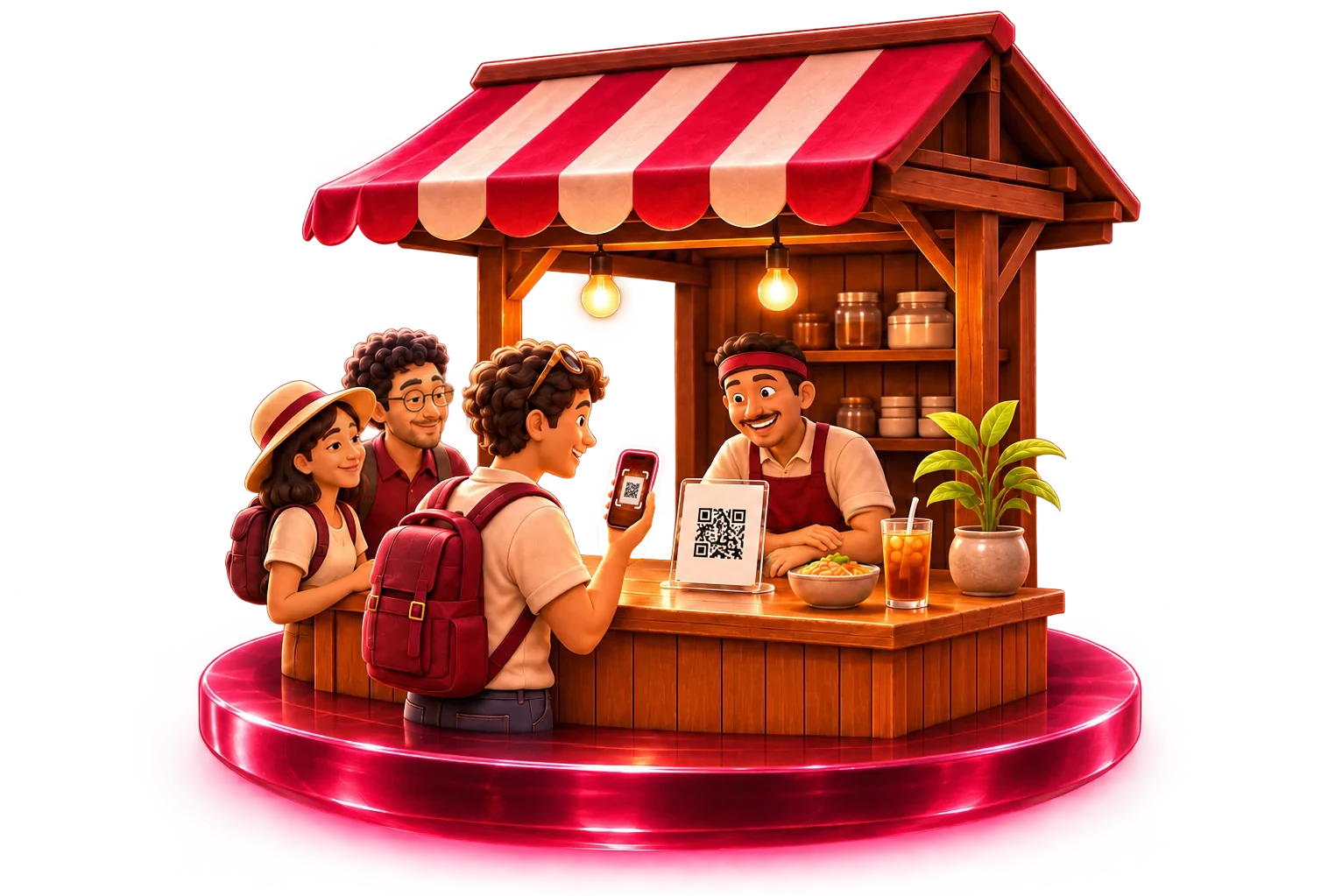
Three taps at the counter.
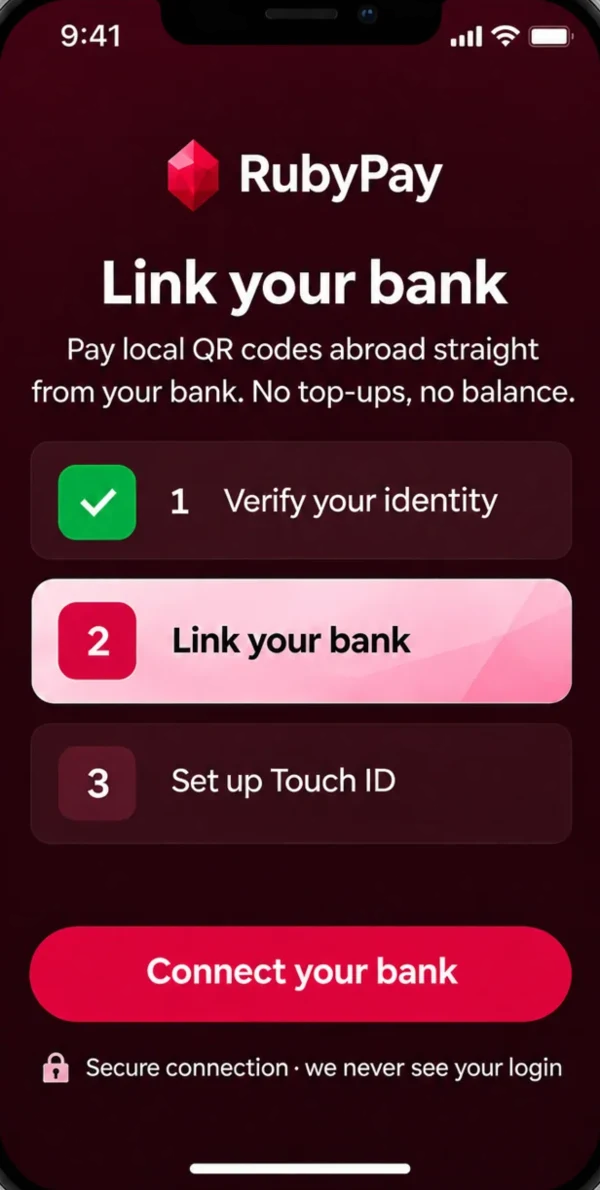
Link your bank
Connect your bank account once.
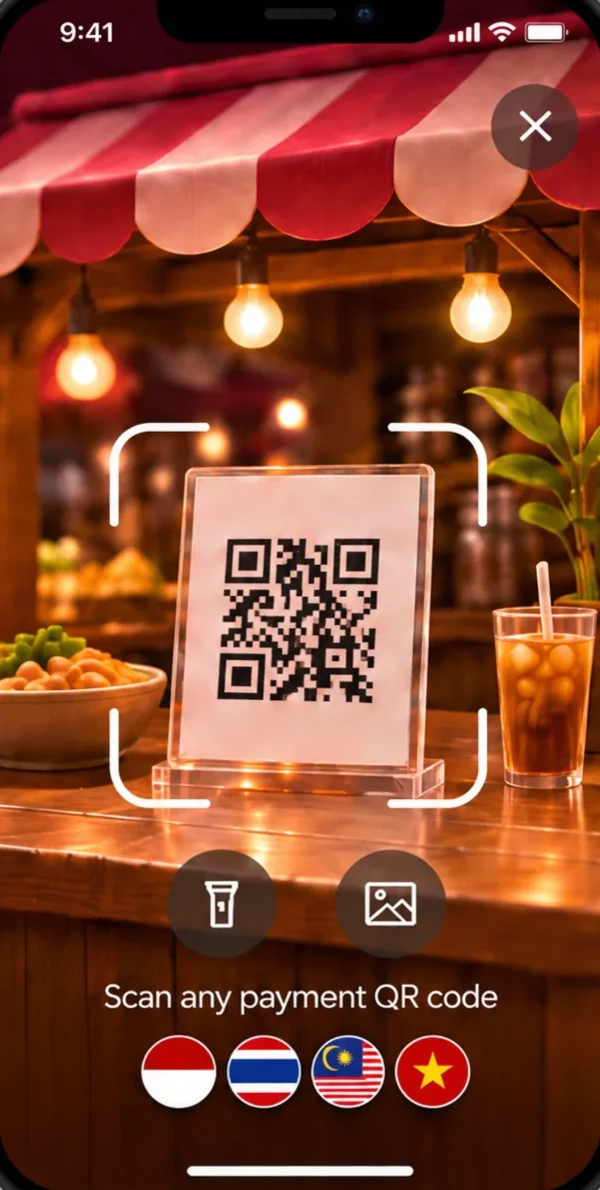
Scan the code
Point your camera at the merchant's QR.
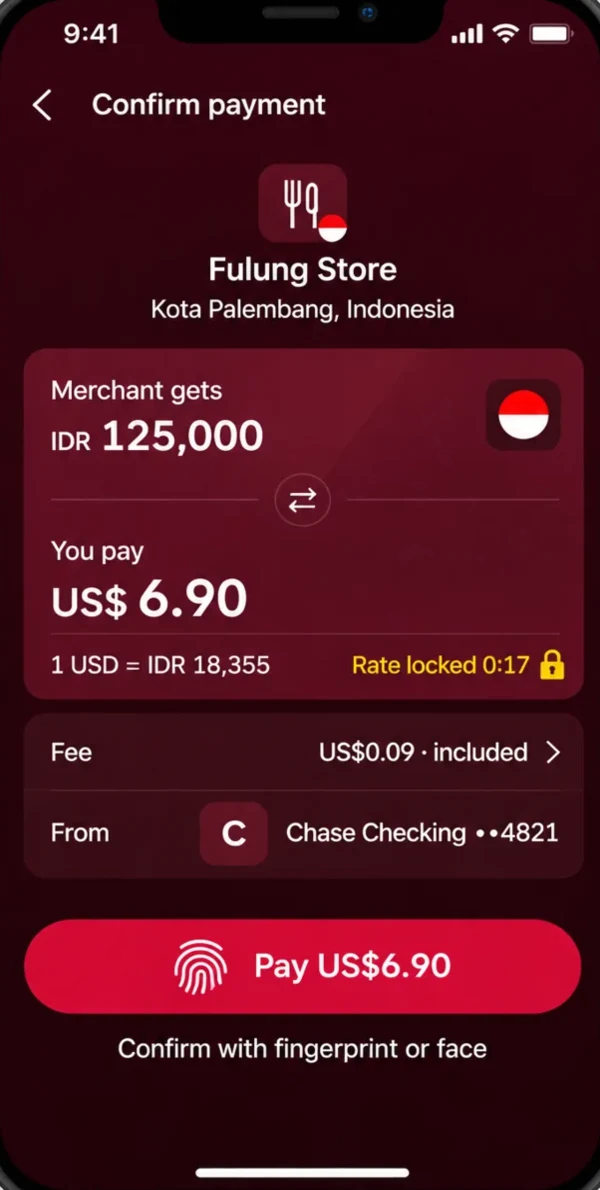
Confirm and go
See both amounts, then pay with
your biometrics.
Made for the trip.
-
Split the bill with friends
-
See prices in your own currency
-
Win your meal back
-
Track every trip




Prize draws subject to terms and local rules.
Where it works.
Pay from
- US bank account
- Australian bank account
- Brazilian bank account
- Solana wallet
Pay at
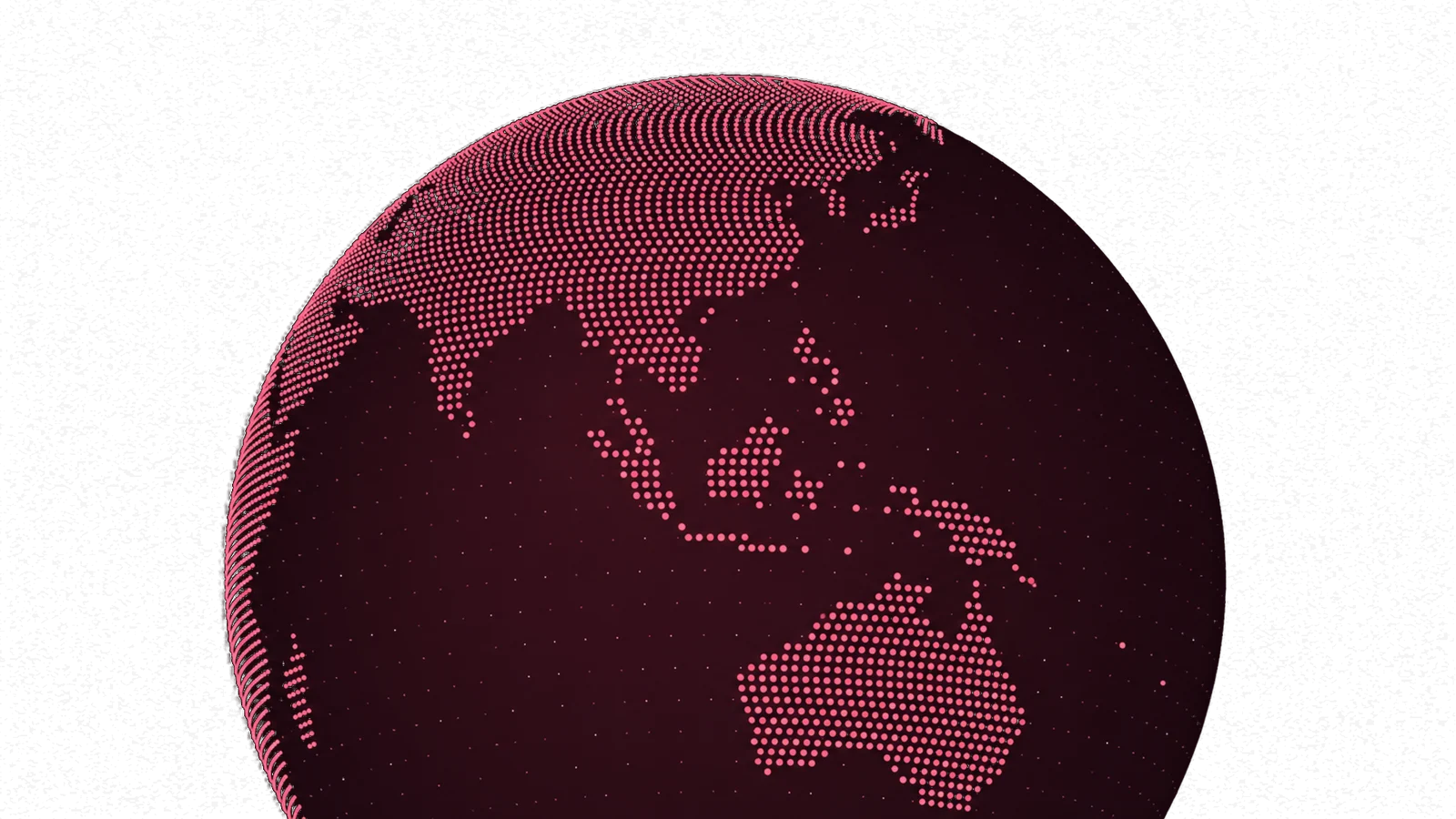
- IndonesiaComing soon
- ThailandComing soon
- MalaysiaComing soon
- VietnamComing soon
Safe by design.
We never see your bank login
Your biometrics approve every payment
No passport needed to start
Daily spending limits
Your money stays in your bank
Refunded if a payment fails



Questions.
Is RubyPay a bank?
No. RubyPay pays the shop for you and charges your own bank account for each payment. We never hold your money.
What does it cost?
One small fee on each payment, included in the price you see before you approve.
Which banks work?
Bank accounts in the US, Australia and Brazil, or a USDC wallet. More to follow.
Does the shop need to sign up?
No. If it shows a supported QR code, you can pay it. The shop is paid in its own currency.
What if a payment fails?
If your bank is charged and the shop isn't paid, you get the full amount back.
Be first in line.
Join the waitlist and we'll tell you when RubyPay launches.